Make a lyric video from your song, in minutes
Upload the track, paste the lyrics and LyricFlow times every line for you. Pick a style, fix anything with a tap and export an MP4 that's ready to post.
How to make a lyric video
No timeline and no keyframes: four steps from song to video.
- 01
Upload your song
MP3, WAV or M4A. Use a track you own or have permission to use.
- 02
Add the lyrics
Paste them, import an LRC file, or let LyricFlow detect them from the audio as a draft.
- 03
Sync it automatically
Every line is timed from the audio. Lines it isn't sure about are flagged, and you fix them with a tap.
- 04
Pick a style and export
Choose a look, a format and a background, then download your MP4 — plus SRT or LRC if you want them.
What you can make
79 styles
Clean subtitles, kinetic typography, neon, paper, glitch and more — 15 of them on the Free plan.
Every platform
9:16 for Shorts, Reels and TikTok, 16:9 for YouTube and 1:1 for feeds, with safe margins built in.
Color-coded singers
Give every member of a group or duet their own color, name and photo.
Lyrics in any script
Latin, Japanese, Korean and more, with optional romanization and translation lines under the lyrics.
Animated backgrounds
Built-in animated scenes, your own picture or video, or a clip from the background library.
Video and lyric files
MP4 in 1080p on Free and up to 4K on Pro, plus timed lyrics as SRT or LRC.
A few of the styles
Each picture is a real frame from a style, not a mockup. 15 of the 79 styles are free.
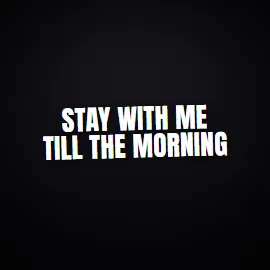
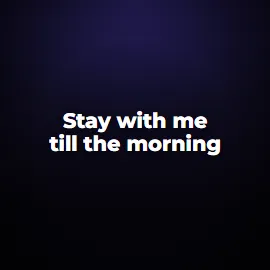
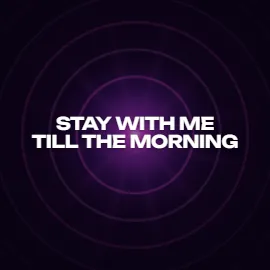
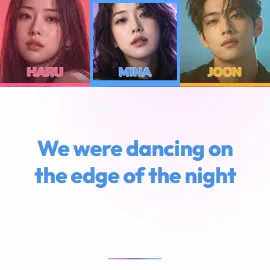
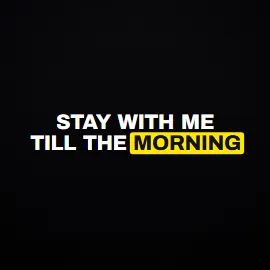
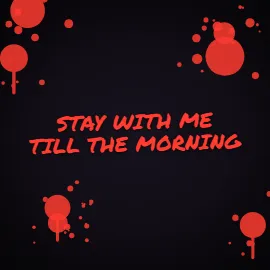
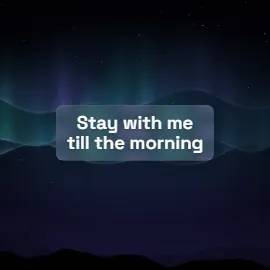
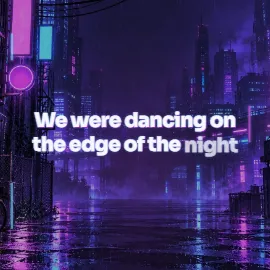
Free to start
The Free plan makes 4 full videos and 6 short clips a month in 1080p, with a small LyricFlow watermark. Pro removes the watermark and unlocks every style, 4K and the Brand Kit.
Questions about making lyric videos
Is the lyric video maker free?
Yes. The Free plan includes 4 full videos and 6 short clips a month in 1080p, auto-sync and 15 styles, with a small watermark. Pro removes it.
Do I need video editing experience?
No. There's no timeline and no keyframes: you add the song and the lyrics, LyricFlow handles the timing and the motion, and you adjust what you want.
Which formats can I export?
MP4 in 9:16, 16:9 or 1:1 — 1080p on Free and up to 4K on Pro. You can also download the timed lyrics as SRT or LRC.
Does it work with songs in other languages?
Yes. Auto-sync works in many languages, including English, Portuguese, Spanish, Japanese and Korean, and keeps your lyrics exactly as you wrote them.
Can I use any song?
Use songs you own or have permission to use. You confirm this before each export, and the videos you make are yours to post.
More ways to use LyricFlow
Your song deserves a lyric video
Start free — no credit card needed.